Race entries for an FFC club, without emails or spreadsheets
 Co-founder of Hudlo2026年10月13日阅读时间 10 min按运动英文文章

Monday evening, the secretary of a cycling club opens their inbox. One rider wants to do Sunday's Grand Prix in Open 2. Another asked by text on Thursday. A third dropped "can you enter me for the night race?" into the WhatsApp group, between two photos from the weekend ride. Entries close on Wednesday. And every week, from March to October, the same question comes back: did I actually enter him?
In brief
- One place for entry requests: no more texts, emails or messages lost in a group chat.
- Your regional committee's race calendar goes in within minutes, from the PDF and an AI (ChatGPT or Claude).
- The club still enters its riders with the FFC, as usual. The portal is there to collect requests, take payment and see who is racing where, instead of receiving requests one by one.
- Riders can pay their entry fee by card. The club can also cover everyone, or only some riders, with a discount code.
This article is written for clubs affiliated to the FFC, the French Cycling Federation, where races are published by regional and departmental committees. The method works just as well for any club that enters its riders on their behalf.
Why do race entries end up as crossed emails?
Because an entry mixes three things that live in three places. The race calendar sits in a committee PDF. Rider requests arrive by text, by email or in a chat group. And the entry itself is made with the FFC, by the club.
That last part falls on the club. Under the FFC rules (Title 1, article 1.2.051, version of 9 November 2026, in French), it is the club that enters its riders, online or, failing that, with an entry form. For one-day events, entries close three clear days before the race. Details vary between committees, so check with yours.
That step doesn't change, with or without a tool. What eats up time is everything before it: knowing who wants to race where, in which event, and who has paid.
So the secretary is the only link between the three. They copy the races into a spreadsheet, track down requests one by one and tick them off. Nobody else knows where each rider stands. Hence the slips every racing club knows:
- a rider forgotten, who finds out the day before;
- a rider entered twice, or in the wrong category;
- a missed deadline, because the request was buried in a WhatsApp thread;
- an entry fee advanced by the club, which then has to be recovered.
For the basics, see how to start and structure a cycling club and what to know about your riders' federation licences.
If you don't use a tool
- One channel for requests: a form or a dedicated email address, announced at the start of the season.
- One spreadsheet per season, one row per rider and race: race, date, closing date, rider, requested event, status (requested, entered, declined), who pays, note.
- "Entered" means done: only change the status once the entry is actually registered.
- A fixed slot every week, ahead of the nearest closing dates.
- The payment rule written down in advance: who pays what, and what happens if a rider pulls out.
How do you import the 2027 season in minutes?
With your committee's calendar PDF and an AI: no need to copy races one by one. In Hudlo, go to Calendar, Entry portal tab. Add a race handles a single race. For a whole season:
- Click Bulk add, then Copy instructions. Written by Hudlo, they tell the AI exactly which format to return.
- Open ChatGPT or Claude from the window (Open ChatGPT or Open Claude): the instructions are already there.
- Attach the calendar PDF(s), or paste the text of the race web pages. Copy the AI's answer.
- Paste it into Hudlo, then Review the races.
- Fix the rows shown in red. Races already in the past are left out automatically.
- Add everything at once.
Each race arrives pre-filled: date, first start time, name, place, link, closing date and events. Categories that race together stay on the same line, for example "Élite, Open 1, Open 2". The instructions tell the AI to leave blank anything missing from the source rather than make it up. It can still get things wrong, so read it through.
One choice remains: how riders register. Approved by the committee (the default) means the rider makes a request and you mark them as entered once you have entered them with the FFC. That suits clubs that enter their own riders. Direct entry registers the member straight away.
How do you handle rider requests?
In one place, one at a time or in bulk. The rider opens the race in their member space, picks an event and requests an entry.
On the club side, an orange dot on Calendar flags new requests. At the top of the portal, the Requests to handle banner gathers those from every upcoming race. For each one you see the rider's age on race day, their sex, the requested event (with a warning if they fall outside the category) and the places left. You can switch event, note a race number or an internal note, then Enter or Decline with a reason. The next request opens straight away.
To act in bulk, open the race, then Manage entrants: tick one or more people and choose Enter, Decline or Remove. Enter members searches the whole club from two letters, for the rider who asked you in person.
Races suggested by members
A rider is aiming for a race that isn't on the committee calendar? Turn on Members can add races at the top of the portal, on the management side. The member space then shows Suggest a race: the race is published straight away, and its author can edit or delete it.
What's in the CSV export?
The list of a race's entrants, ready for a spreadsheet. In Manage entrants, Export (CSV) gives last name, first name, date of birth, sex, event, status and internal note, sorted by event then name.
It's your working list for making the entries with the FFC. The FFC entry form also asks, among other things, for the category and licence number (same article): add any missing columns before sending.
Hudlo sends nothing to the FFC and does not sync with its systems. You enter your riders with the FFC as usual; Hudlo is there to collect requests, take entry fees and see who is racing where. In Hudlo, "Entered" means you have done it.
Who pays the entry fee?
The rider, the club, or the club for some riders only. The portal covers all three.
| Situation | Race setting | What the rider does |
|---|---|---|
| The rider pays | Paid by the rider, with a price per event | Pays by card when signing up, on the web or in the app |
| The club pays for everyone | Paid by the club | Nothing: no payment is asked |
| The club pays for some | Paid by the rider, plus a discount code | Enters the code before paying; at 100%, has nothing to pay |
When the rider pays, the fee goes to the club's account, as long as the club's payments are switched on. A service fee is added for the rider and is never refunded.
On a race with approval, the rider pays with the request, which reaches the club marked "Paid". Declining or removing a rider who has paid refunds them in full by card, and Hudlo warns you first. A rider who has paid can't withdraw alone: they send a cancellation request with a reason. You accept and refund, or decline with a note, for example "Too late: the entry has already been paid to the organiser."
Discount codes for riders the club covers
Open the race, then Discount codes. The Generate button suggests a code that's hard to guess.
- Number of uses: optional. For 5 riders covered, enter 5.
- A team covered all season: tick "Valid for all the club's races".
- Under 100%: the rider pays the reduced price.
- A code can't be deleted; you deactivate it.
Paid entries appear in the club's treasury, under "Race entries". The management modules are detailed on the club management page.
Who is notified, and when?
Everyone, at the moment they need to act, without the club having to chase.
| When | Who is notified | How |
|---|---|---|
| The club adds races | Members (or only the targeted group) | One grouped notification, about ten minutes after the last addition |
| A rider requests an entry or signs up | The coaching staff | Management bell and phone |
| The rider is entered, declined or signed up by the club | The rider | Notification |
| The rider pays by card | The rider | Email with receipt |
| A paid rider asks to cancel | The coaching staff | Bell, phone and email to the club address |
| Cancellation decided, refund made | The rider |
Notifications for the same race add up while unread ("3 entry requests").
Trail and triathlon clubs
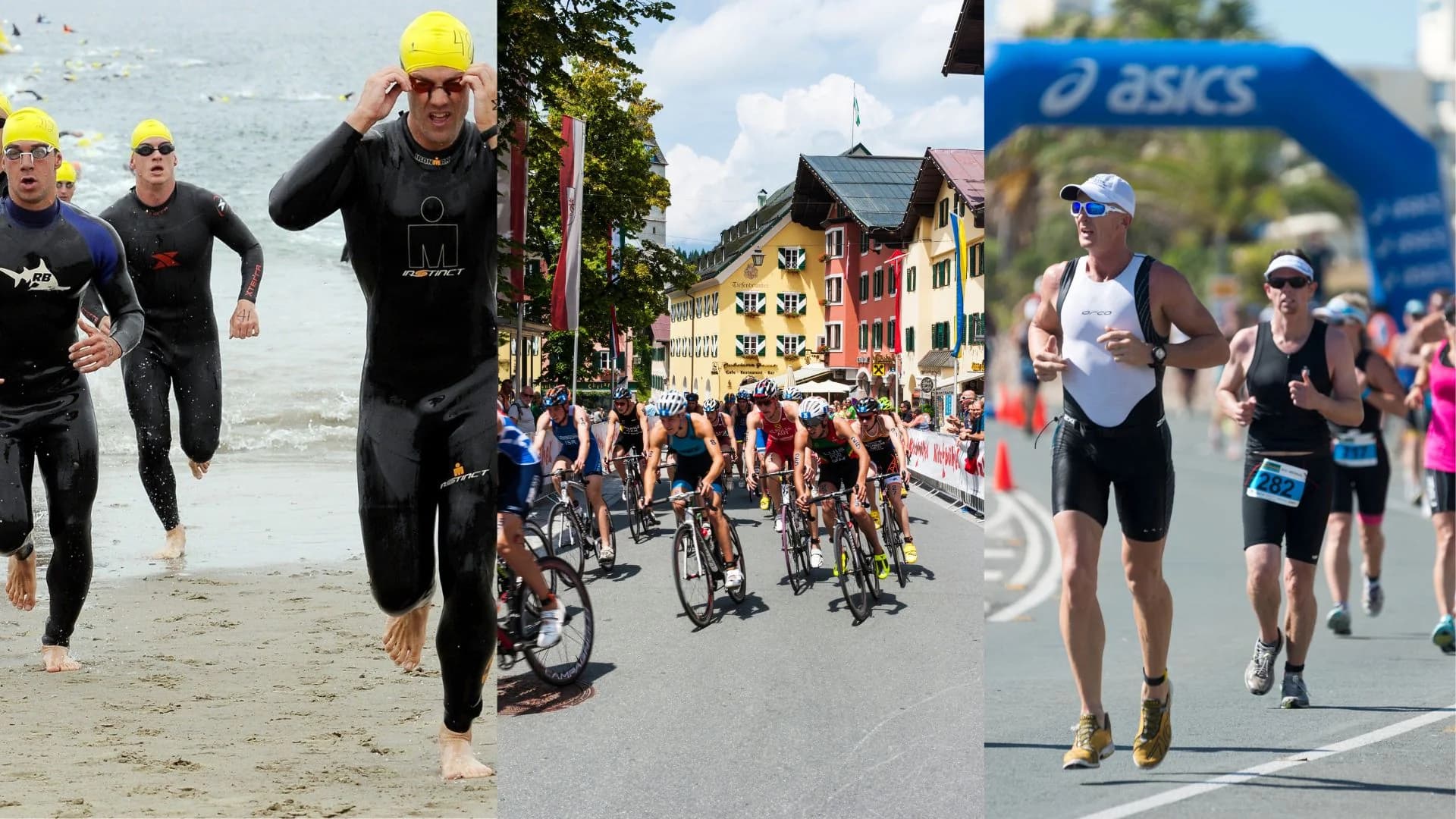
The same portal works for running, trail and triathlon. Write events the way your athletes sign up for them: "Triathlon S", "XS", "10 km", "Half marathon". If everyone enters with the organiser themselves, choose direct entry: the club still knows who is racing where. See also the trail page.
What it changes for the secretary
Requests arrive in one place, with the rider's age and event. The "did I enter him?" doubt goes away: the status is written down, and the rider sees it in their own space. Money is settled before the race, not after. The FFC entry is made as before, but from a clean list that is already paid. The cycling page shows what else Hudlo offers a cycling club.
The entry portal sits in Calendar, on both the management and the member side. Each race has its events, closing date, fees and who pays them, files and entrants by event. Bulk add imports a whole season from the committee PDF with ChatGPT or Claude. Riders can pay by card, and discount codes cover those the club pays for. See club management
Further reading
- Licence renewals: chasing without running after everyone - Documents, payments and automatic reminders to wrap up the season
- Starting a cycling club: the complete guide - FFC or UFOLEP affiliation, the set-up file, licences and disciplines
- Sports licences: everything your club needs to know - Licence types, documents to collect, the club's obligations
- Running a triathlon club - FFTri, pool access and three disciplines to organise